Shopify Campaign Content: A Launch-Day Link Checklist

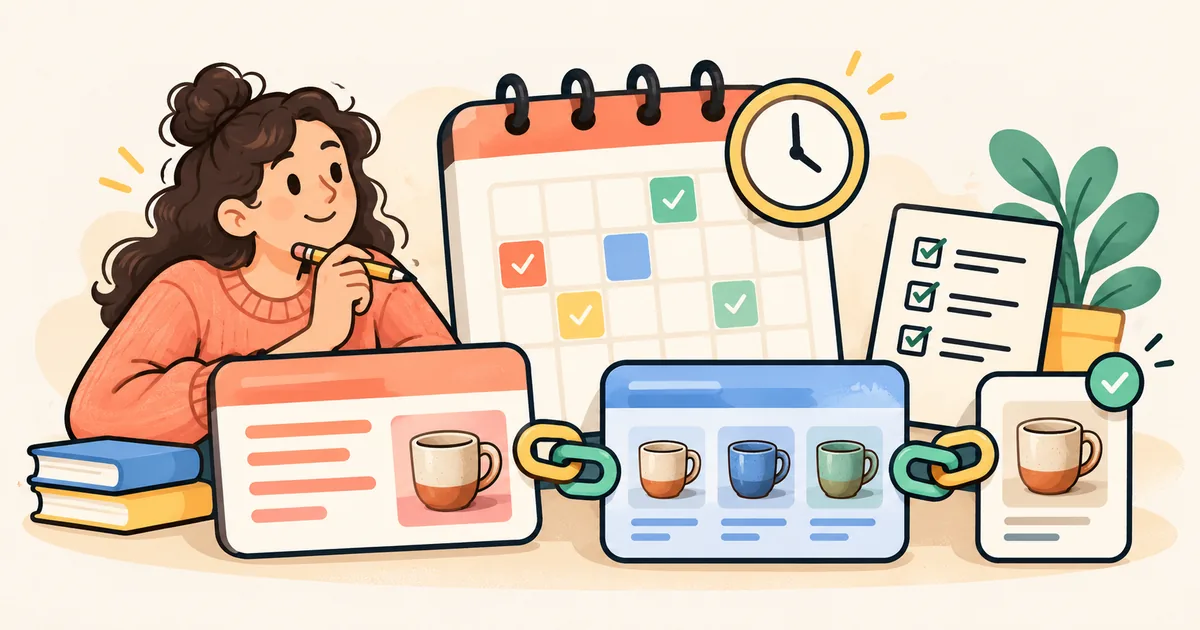
A buying guide can be ready while the products it recommends are still hidden. A collection can go live before its intended products appear. An email can arrive before either page is usable.
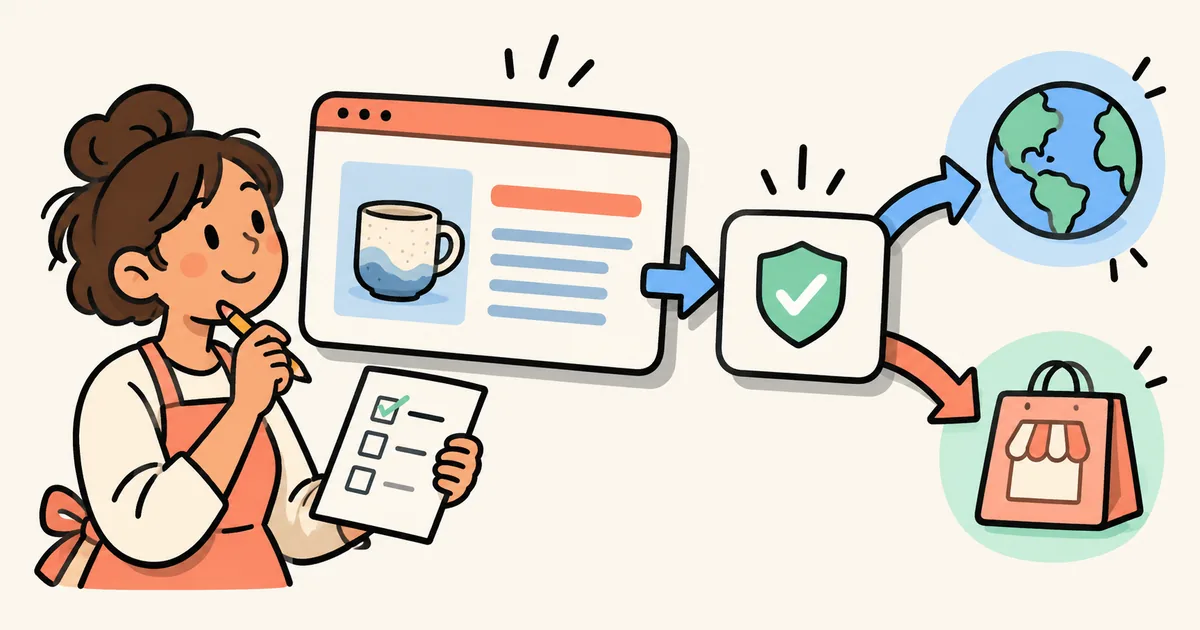
For a Shopify campaign, the useful unit of planning is the whole journey: message → article → collection or product → purchase decision. This checklist helps you coordinate that journey before sending traffic, whether you are preparing for BFCM or launching a new range.
The platform details below were checked against current documentation on October 19, 2026. The sample timeline and review process are editorial recommendations, not a claim of testing on a merchant's store.
Start with a launch sheet of final URLs
Create one shared sheet with a row for every destination a shopper will need. Include the final public URL, planned visibility time, timezone, owner and verification status. Add the article's individual product links rather than recording only its main collection button.
For example, a ceramic-mug campaign might include a buying guide, a gift collection and three product pages. The guide's “shop the gift collection” link and its individual mug recommendations need separate checks. A working collection page does not establish that every featured item is ready.
Use descriptive status labels such as “scheduled, public check pending” and “public journey verified.” An admin preview is useful for proofreading, but reserve the verified label for a check of the public storefront without an admin preview session.
Confirm what Shopify has actually scheduled
Shopify supports future publishing for products, collections, blog posts and pages. Its documentation tells merchants to check the store timezone in Settings → General → Store defaults. Products must be Active for future publishing to work; a product left in Draft will not publish at the scheduled time. Future publishing is not available for the Shop app, and individual variants cannot receive their own future publishing date through this feature. Source: Shopify's future-publishing guide.
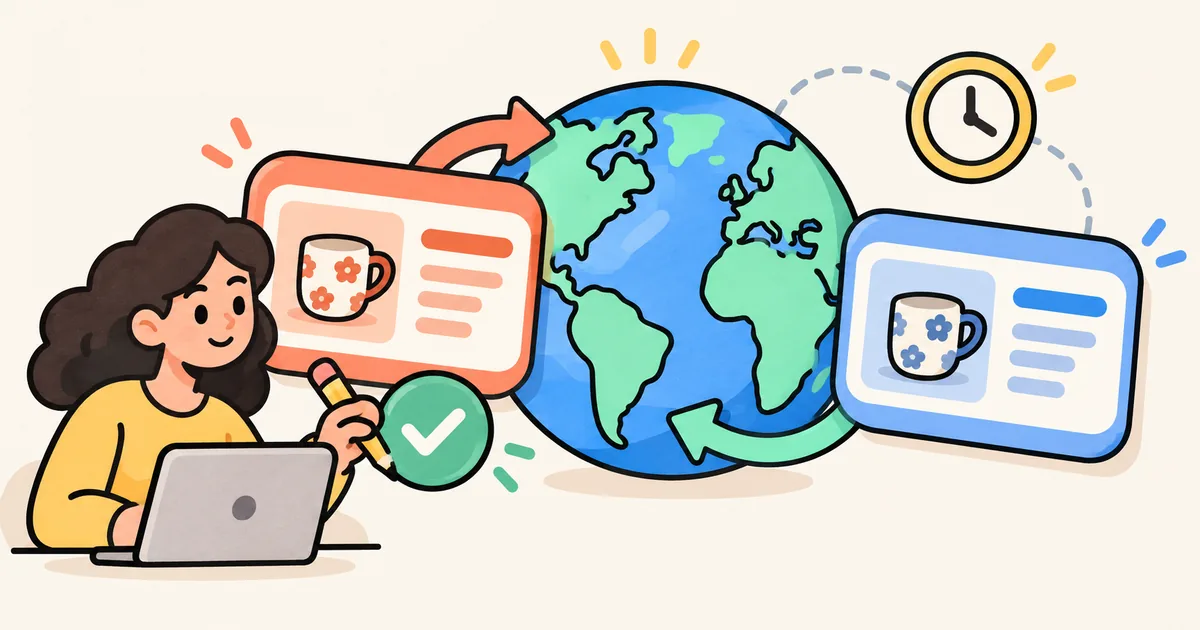
Record the configured store timezone explicitly. If a colleague works elsewhere, put their local reminder beside it instead of replacing the store's time with an ambiguous “9 a.m.” Avoid changing the store timezone merely to make one campaign easier to schedule.
For the article, Shopify's documented route is Content → Blog posts, then the post's Visibility calendar control. Save the selected publishing date and time, and reopen the item to check the saved schedule. Collections have their own publishing controls, so check them separately. Sources: Shopify's blog-publishing documentation and future-publishing guide.
Do not use a content publishing time as evidence that a discount, email or advertising campaign is also scheduled correctly. Put each system's confirmation in its own row.
Give dependent pages a verification window
Here is a hypothetical sequence for a campaign whose email is planned for 9:30 a.m. in the store's timezone:
| Example time | Action | Evidence to record |
|---|---|---|
| Previous day | Proofread the guide and review the launch sheet | Approved copy and final destinations |
| 9:00 a.m. | Make the intended products and collection available | Public pages show the intended items |
| 9:10 a.m. | Publish the buying guide | Article and every shopping link work publicly |
| 9:20 a.m. | Review the mobile journey | Correct destination, content and product options |
| 9:30 a.m. | Release the campaign message if checks pass | Responsible owner records the decision |
These intervals are an example, not a platform timing guarantee or a required configuration. Choose a window that gives your team enough time to investigate. If the offer must stay confidential until one exact launch time, use a different plan: coordinate the release, then hold traffic until the public checks pass. Do not publish confidential campaign details early just to follow this table.
Assign a person who can pause the message if a dependency fails. A calendar entry without an owner leaves the launch dependent on whoever notices first.
Walk the public article-to-product journey
At the verification window, open the article as a shopper would and work through this list:
- Article: the expected title, cover, copy and shopping CTA appear on the public URL.
- Collection: the linked destination opens the intended collection and contains the products described in the guide.
- Products: each recommendation opens the correct item; the displayed price, availability and options support the article's wording.
- Offer copy: check any savings, shipping or deadline statements against your approved campaign terms. Remove promises you cannot confirm.
- Mobile: the main shopping links are easy to tap, and text, images and selectors remain usable at a narrow screen width.
You can review these steps without placing a real order. If you also test checkout, use your store's approved test process and keep it separate from the content check.
When a product destination behaves unexpectedly, our Shopify product-availability troubleshooting guide can help structure the investigation. For collection planning itself, use the BFCM collection playbook.
Separate publishing readiness from search discovery
A scheduled release controls when content becomes available. It does not establish when search engines will crawl or index it. Google says crawling can take days to weeks, and a crawl request does not guarantee inclusion in search results. Repeated requests for the same URL do not accelerate crawling. Source: Google Search Central's recrawling guidance.
If an evergreen buying guide is useful before the sale, consider publishing its accurate, non-confidential advice earlier and reviewing its campaign links later. Keep the page useful outside the promotion instead of adding an offer that has not started. Do not promise organic traffic on a particular launch date.
After the campaign, revisit the guide's links and time-sensitive language. Keep useful advice current, and choose destinations that still serve the reader when a temporary offer ends.
Make the final decision from evidence
Your launch sheet should answer three questions: are the destinations public, do they match the article, and has someone checked the mobile journey? If a check fails, record the failing URL and owner before releasing more traffic.
For the native scheduling steps, see our Shopify blog scheduling help article. If maintaining a regular publishing workflow is taking too much time, StoreBlog is Chakril's Shopify blogging app. Evaluate it for that workflow, and retain the public link check as part of every campaign launch.
Share this article