Shopify Product Availability Mismatches: A Merchant's Fix Guide

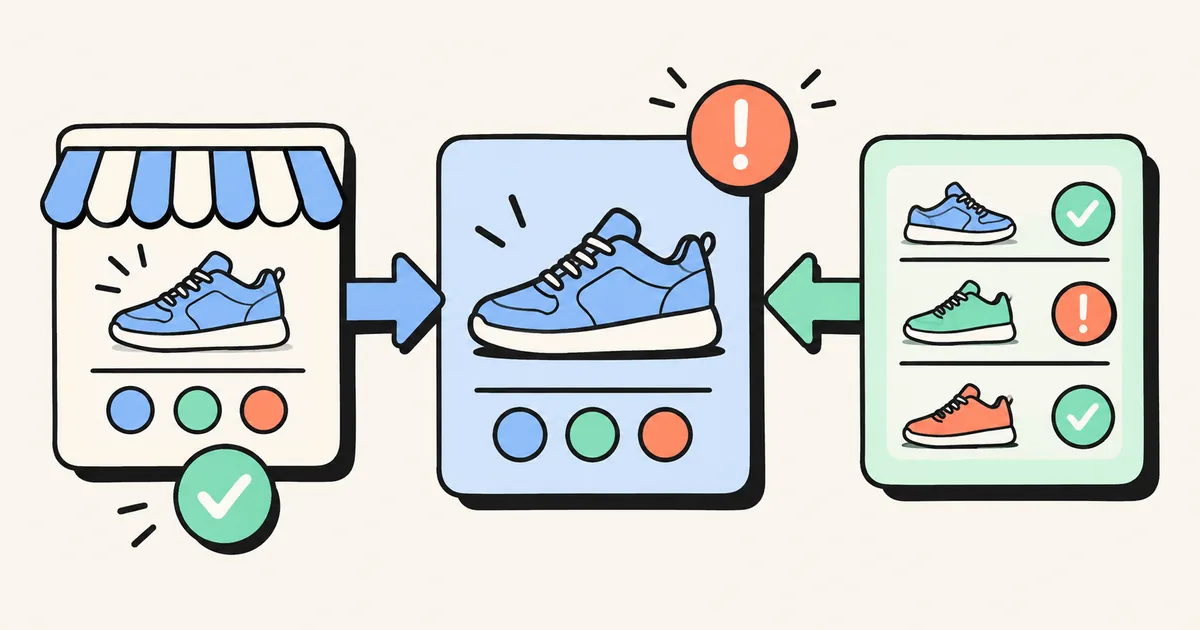
Your admin shows stock, a shopper sees “sold out,” and Google shows something different again. Before changing collection order or reinstalling an app, identify which version of the product each system is checking.
For a pre-sale audit, start with one affected product and one exact variant. Write down its product URL, variant ID, target country and current purchasing status. A blue shoe in size 8 and the same shoe in size 9 can require different answers.
This guide uses Shopify and Google documentation checked on October 15, 2026. The examples are hypothetical troubleshooting scenarios, not results from testing a merchant's store.
Start with the variant and the online fulfillment location
Shopify explains that tracked inventory at zero or below is out of stock by default. It also distinguishes stock at a location that fulfills online orders from stock at one that does not. Units sitting at an ineligible location can leave the item unavailable online. Check Shopify's out-of-stock selling guidance before changing inventory settings.
Use this order in your own audit:
- Open the affected variant in the product admin.
- Check its inventory tracking and quantity at each location.
- Confirm which locations can fulfill online orders.
- Open the storefront URL as a customer in the target market.
- Select the same size and color, then check the purchase button.
For example, imagine a shoe has five units at a retail-only location and none at the warehouse serving online orders. Moving a product card higher in a collection cannot resolve that fulfillment problem. Investigate the location setup and physical stock before adjusting quantities.
Treat “Continue selling when out of stock” as an operational decision. Shopify supports this setting for tracked products and variants, but enabling it creates an obligation to fulfill orders. Use it only when your business can explain and meet the delivery promise.
Separate collection visibility from product availability
Removing a card from a collection, changing its position and changing whether the product can be purchased are separate decisions. Record which one you intend to make before applying an automation.
For automated collections, Shopify documents an inventory-stock condition greater than zero, used with all conditions matching. Inventory tracking must be enabled; using any condition does not produce the same exclusion behavior. See the current instructions for hiding out-of-stock products.
Be careful with deliberate backorders. A rule based only on quantity might remove an item your business still wants customers to order. Test your policy against these sample cases before applying it across the catalog:
| Sample case | Question to resolve |
|---|---|
| One variant unavailable, another purchasable | Does the collection card make the available options clear? |
| All variants unavailable, no orders accepted | Should the card move down or leave the collection? |
| Replenishment expected and orders accepted | Is the delivery expectation visible before purchase? |
| Stock restored | Does the card return, and can a customer actually buy it? |
For the display-order workflow, use our Shopify product sorting guide. This article focuses on agreement between systems rather than general merchandising order.
Compare the same offer across Google and your store
Google Merchant Center requires availability to agree across the submitted product data, landing page, checkout and applicable structured data. It also calls out variant-specific agreement. Compare the exact offer and destination URL, rather than a parent product's total stock. Read Google's availability requirements.
For an existing item that cannot currently be purchased, the relevant feed status is usually out_of_stock. If you accept orders for an existing item awaiting replenishment, Google's backorder status requires an availability date visible on the landing page. preorder is for a new, unreleased product. Choose the status that describes the offer you actually make.
A compact audit record helps expose contradictions:
| Surface | Record for the affected variant |
|---|---|
| Merchant Center item | Item ID, submitted availability and linked URL |
| Landing page | Selected option, availability message and purchase button |
| Checkout | Whether that option can be ordered and delivered |
| Structured data | Offer URL and machine-readable availability |
If the feed points to a different variant from the one your storefront selects, fix the mapping or landing behavior. Do not relabel an unavailable item as available just to make an error disappear.
Inspect structured data after checking the visible page
Google's merchant listing documentation supports availability values such as InStock, OutOfStock, PreOrder and BackOrder. It recommends product markup in the initial HTML for best results and warns that JavaScript-generated markup can make shopping crawls less reliable for rapidly changing stock or prices.
Ask your theme developer to inspect the affected URL and offer, including any product markup emitted by installed apps. Check for conflicting availability values. Use Google's Rich Results Test to inspect what it can read, then compare that result with the visible product and feed data. A valid markup result alone does not establish that the inventory promise is correct or guarantee a search appearance.
Retest the complete stock-change cycle
Keep the first correction narrow. On a test product or controlled variant, verify an available state, an unavailable state and a restored-stock state. Record timestamps and the responsible theme, app or feed integration. This gives your team evidence if one surface updates while another does not.
For busy catalogs, RankCollections lists collection sorting and sold-out product handling among its features. It can support the merchandising part of this workflow; validate its rules against your backorder policy. A collection rule does not replace accurate fulfillment settings, feed data or theme markup.
For the surrounding campaign, connect this check with your BFCM collection plan and collection conversion checklist.
Merchant takeaway: audit one exact variant from inventory to checkout and Google before applying a catalog-wide fix. Make the purchasing promise consistent, then automate the collection behavior around it.
Share this article