Shopify's New Redirect Protection: Review Your Blog Links

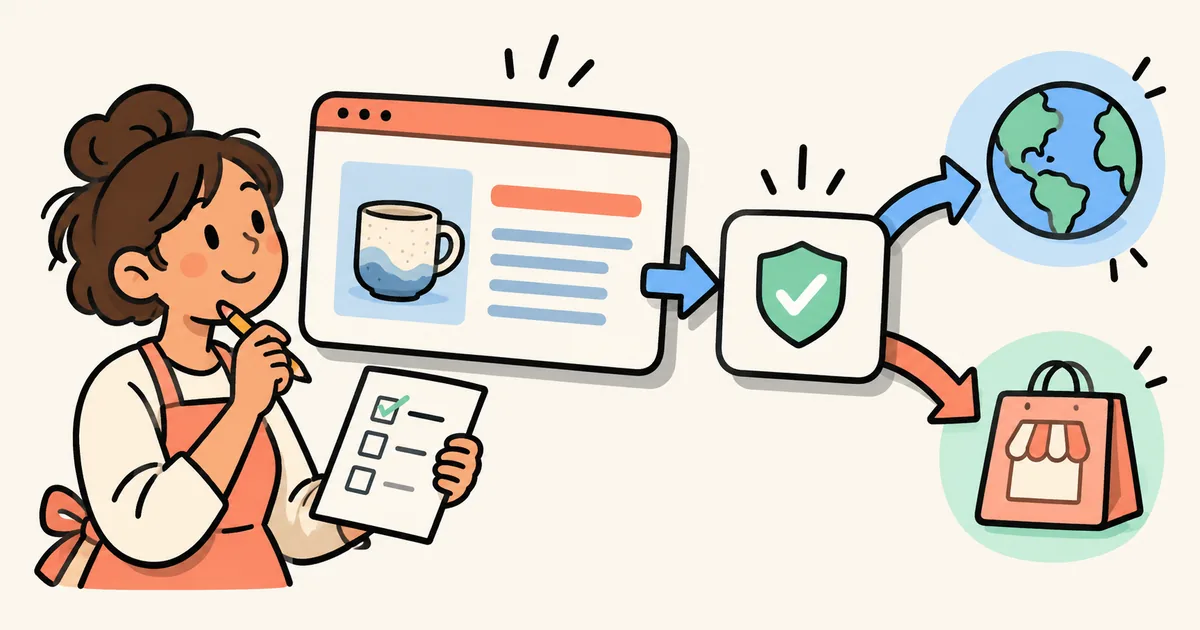
A buying guide can be carefully written and still send a shopper somewhere they did not expect. The destination might be a partner site, an old campaign domain or a separate website that your business owns. Before your next campaign, review that handoff as carefully as the article itself.
On October 20, 2026, Shopify announced protection against unexpected redirects. Its changelog says an online store asks customers to confirm before sending them to a website outside the store. The message shows the destination address and lets the customer continue or return. Source: Shopify's redirect-protection announcement.
This article turns that announcement into an editorial review process. The examples are hypothetical; we have not tested the new protection on a merchant's store. Documentation was reviewed on October 23, 2026. Use the checklist to inspect your own journey rather than assuming a particular confirmation will appear on every external link.
Start with what Shopify actually announced
Shopify says domains connected to your store, along with supported Shopify and social websites, do not trigger the message. A website you own but have not connected to the store might still trigger it. Source: the announcement's domain exceptions.
The useful distinction is between business ownership and the store's domain configuration. Your team calling a site “ours” does not establish that Shopify treats its domain as connected.
The short announcement does not provide a complete supported-site list or a detailed trigger matrix. Treat those as details to verify through the actual storefront journey and Shopify support if needed. Avoid telling your content team that all outbound links are broken, that all social destinations are exempt, or that a missing message proves a destination is safe.
For an article editor, the immediate job is modest: know where each important link goes, explain the destination clearly and record what the shopper encounters.
Make a destination sheet for one important article
Choose a buying guide that will receive campaign traffic. Start with its main shopping call to action, then review product recommendations and any external resources. This is a focused review, not a request to crawl your entire store before making progress.
Use a sheet with these fields:
| Field | What to record |
|---|---|
| Article and link text | The public article URL and the exact words the shopper clicks |
| Intended destination | The specific product, collection, partner resource or other page |
| Final address | The address reached after following the link, including the domain |
| Ownership and configuration | Your store, a verified connected domain, or a separate destination requiring review |
| Observed journey | Whether a confirmation appears and whether the destination matches the promise |
| Review owner and date | Who checked the journey and when it should be checked again |
For example, a hypothetical “mugs for small kitchens” guide might link its main CTA to a collection in the same store and cite an external care guide. These links serve different needs. Keep the shopping CTA pointed at the relevant collection; make the external citation's purpose clear in its surrounding sentence.
If the guide's main action instead sends readers to a separately hosted promotion, confirm that this is intentional. Ask the campaign owner whether the destination is still current before changing it.
Write link text that prepares the shopper
“Shop the ceramic mug collection” should lead to that collection. “Read the care guide on our partner's website” prepares the reader for a different kind of destination. The copy should describe the useful next action without promising that the shopper will remain in the store when they will not.
Google recommends descriptive, concise link text and generally crawlable links built with an HTML anchor and an href attribute. Its guidance also supports relevant external citations with enough context for readers to understand what to expect. Source: Google Search Central's link best practices.
Our editorial recommendation is to review link purpose alongside link mechanics. A working address is not enough if a button promises a collection but opens an unrelated homepage. Equally, a useful citation should not be removed simply because it belongs to another website.
For a broader workflow, see our Shopify internal linking guide. Keep this review focused on destination accuracy and the storefront handoff, rather than adding more links for their own sake.
Check an owned domain before changing its setup
If the destination belongs to your business, ask the person responsible for domains to verify its current configuration in Shopify. Do not infer connection status from a matching logo, a similar domain name or an entry in your team's password manager.
Shopify's domain documentation explains that connecting a third-party domain involves changes at the domain provider, including DNS records. Those changes can take time to take effect, and the provider still manages renewal and payment. Source: Shopify's third-party domain connection guide.
That is a reason to involve the domain owner, not to change DNS as a quick editorial workaround. A separate support site or publication may need to keep serving its existing purpose. Establish the intended architecture before changing a connection. For a partner's website, clearly identify the external destination and review the link; it is not your domain to configure.
Rehearse the public journey on mobile
After any approved link or copy changes, open the published article as a shopper would. Review the main CTA on a phone-sized screen and a desktop. If you observe a confirmation, read the displayed address, try the intended continuation, and check that returning leaves the shopper with a usable store page.
Record observations precisely. “Confirmation appeared on this link in this browser today” is useful evidence. “Shopify blocks all outbound links” is a much broader claim that this check cannot establish.
Also confirm the final page has the content the article recommends. A technically successful handoff to an empty collection still leaves the shopper without a useful next step. Our campaign content launch checklist covers coordinating article links with product and collection availability.
If a destination changes later, repeat the focused check. The review date belongs in the team's content plan so a future editor can tell what was actually approved.
Your merchant takeaway
Use Shopify's new protection as a prompt to review the destinations your content recommends. Verify connected-domain status, make external handoffs clear, and rehearse important shopping paths before sending campaign traffic. Keep observations separate from assumptions about how the feature works everywhere.
For teams producing recurring Shopify articles, StoreBlog offers a publishing workflow. Keep destination review and public-page sign-off in your editorial process as well: publishing a post and approving its shopping journey are separate tasks.
Share this article