Shopify Knowledge Base in Admin: Review Your Store Facts


An AI assistant's answer about gift wrapping is useful only if your store can deliver what it describes. Before a holiday campaign, give the facts behind those answers the same review you give your product pages and promotional copy.
Shopify announced its built-in admin knowledge base on October 26, 2026. It lives under Sales channels → Agentic → Knowledge base and replaces the standalone Knowledge Base app, which will no longer be available after January 15, 2027.
The immediate merchant task is to inspect what is already published and what is waiting for review. This guide uses official documentation checked on October 27, 2026. The examples and review sheet below are editorial recommendations, not results from testing a merchant's store.
Check your starting state before publishing anything
The announcement says storefront-derived drafts stay unpublished until you publish them. It also describes migration of existing app facts, including automatic publication for qualifying stores and a manual migration requirement for stores above the stated limit. If you used the old app, read the migration notice and check your actual facts in the admin. Do not assume everything is a new unpublished draft.
Shopify's current knowledge base guide adds an important distinction: admin-linked facts, such as policies and contact details, are published when created. Published information is publicly accessible through Storefront MCP. Inspect the status and source of individual fields rather than treating the page as a private notebook.
Begin with one category that could change a buying decision. Gift services, returns and fulfillment are useful candidates for a holiday review. The right priority depends on the questions your own support team receives.
Make a small fact-review sheet
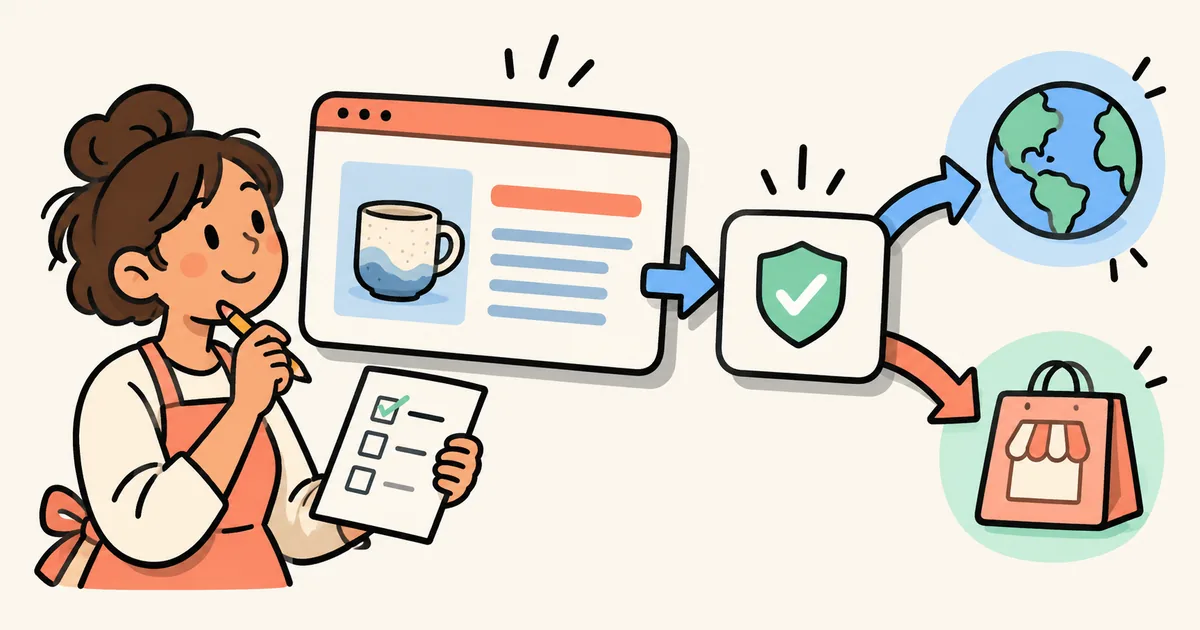
Create a row for each claim you intend to verify. Write the answer a shopper should receive, the public page that supports it, the person responsible and the next review date. This makes disagreements visible before a polished summary hides them.
| Merchant question | Evidence to compare before approving an answer |
|---|---|
| Do you offer gift wrapping? | The current service description, eligible items and any charge |
| Can I return a holiday gift? | The published return policy, its dates and relevant exclusions |
| Is pickup available? | The location's current customer instructions and operational confirmation |
| How can I contact the store? | The public contact page and the inbox or phone your team actually monitors |
| Does a product qualify for a service? | The exact product or variant and any documented restrictions |
This is an internal review framework, not a list of promises every store should make. Leave out a service your business does not provide. If a claim depends on country, date or product type, keep that condition with the answer.
For a hypothetical example, imagine a gift guide says “gift wrapping available” while your service page says it is available only for boxed candles. The useful correction is a qualified answer that identifies the eligible range. Repeating the shorter sentence across more pages would spread the ambiguity.
Open the source and compare the full meaning
The knowledge base guide explains that fields have sources and supporting references, which AI agents can receive alongside a fact. Open the referenced page and read the surrounding content. Confirm that a short answer has not lost an exception, deadline or location restriction.
Use these editorial questions for each row:
- Does the source still describe the service you provide today?
- Does the answer preserve the limits that matter to a shopper?
- Could a customer reach a different conclusion from another public page?
- Is a campaign-specific statement being presented as a permanent policy?
- Who will update this answer when the service changes?
A team member who owns fulfillment should resolve a delivery promise; a content editor can then make the wording clear. Do not turn a missing operational answer into a confident statement just to complete the checklist.
Correct the storefront and knowledge base together
Fix the underlying customer-facing information when it is wrong, then review the related knowledge base field. Shopify documents control over publishing individual fields and reviewing suggested updates. It also warns that scans can miss changes or take time; a requested rescan can take up to 48 hours. For specific information, the guide recommends direct editing rather than relying only on a scan.
Changing a field to a manual source creates an ongoing responsibility to maintain it. Shopify notes that this change removes references supplied by the previous source. Check the resulting references before saving. Keep your storefront and the fact you publish consistent.
For a campaign article, link to a clear service or policy page instead of copying an entire policy into the buying guide. Repeated policy text creates more places for your team to review when a date or exception changes. Use the campaign content launch checklist to check the public destinations alongside the article.
Review again when the campaign changes
Add a review point to the same calendar entry that changes the offer or service. A gift-wrapping cutoff, a temporary pickup arrangement or an extended returns window should have an owner who knows when the published answer needs another look.
Keep the evidence modest: the field checked, its source, publication status, reviewer and date. If you later inspect an AI answer, record the exact question and what it returned. One answer does not establish how every platform behaves or prove an increase in traffic or sales.
This work also has a different scope from Google Search eligibility. Google's guidance for AI features in Search says there are no additional technical requirements beyond its existing Search requirements, and eligibility does not guarantee appearance. Publishing a Shopify store fact should not be reported as winning an AI Overview or a ranking.
For broader site discovery work, use the separate AI search visibility guide. Keep this review focused on whether the store information you share is accurate and supported.
If maintaining useful buying guides is your next content bottleneck, StoreBlog offers blog publishing, product cards and internal linking, as described in its Shopify App Store listing. Review current plan features for your workflow. Your team still owns factual approval; this is not a claim that StoreBlog manages Shopify's knowledge base.
Merchant takeaway: inspect existing publication states, verify each important claim against its source, and give changing facts an owner. A small set of supported answers is a practical starting point before adding more store information.
Share this article