Shopify Translate & Adapt Auto-sync: A Merchant Checklist

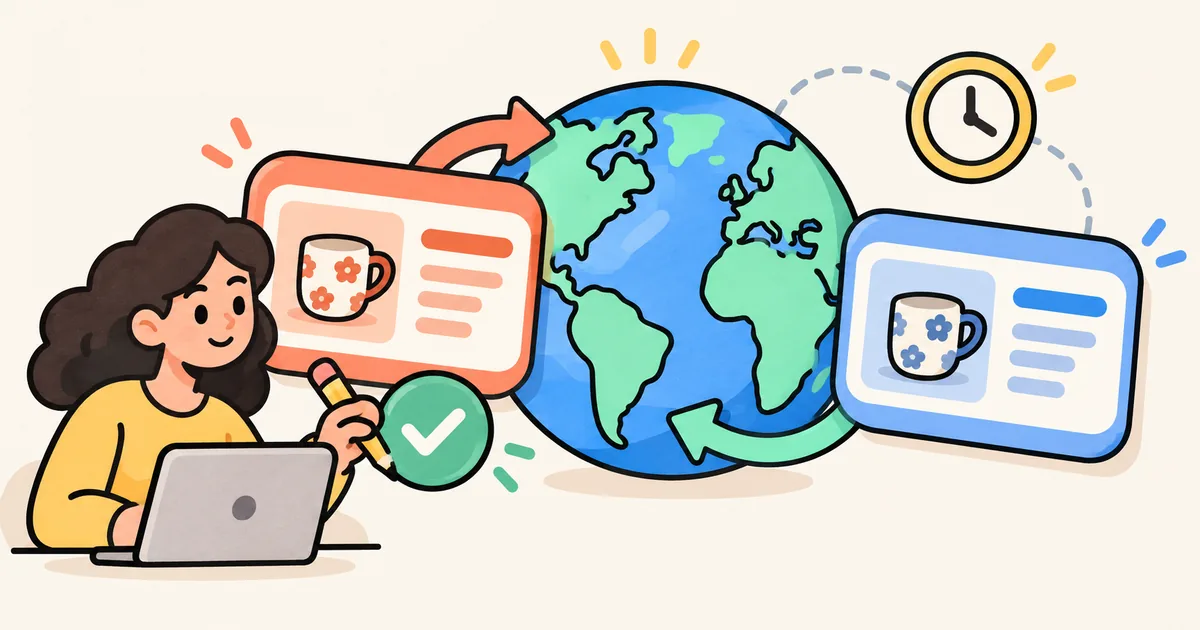
Updating your main buying guide is only part of keeping a multilingual store current. A translated article can still recommend yesterday's product wording, while its linked collection tells a different story.
On October 9, 2026, Shopify announced weekly Auto-sync in Translate & Adapt and an increase from two to eight automatically translated languages for eligible stores. The announcement names Austria, Belgium, Denmark, France, Germany, Ireland, Italy, Netherlands, Spain, Sweden, Switzerland and the United Kingdom. It is not a universal eight-language entitlement for every Shopify merchant. Source: Shopify's Translate & Adapt announcement.
For BFCM preparation, the practical question is whether your translated content will be ready when shoppers arrive. This checklist combines documentation reviewed on October 21, 2026 with a suggested editorial process. The examples are hypothetical, not reports of testing on a merchant's store.
Check the controls available to your store
Open Translate & Adapt and inspect the controls your store actually has. Shopify's current help page says that a store displaying Translate now can use eight automatic languages and Auto-sync, even if its country is not in the published list. Other stores generally retain Auto-translate, a two-language allowance and no Auto-sync. Source: Shopify's automatic-translation availability guide.
Record the language, whether it is published, the available translation control and the last translation status in your content plan. Give one person responsibility for checking those details before the campaign. Do not copy another merchant's configuration into your launch plan without checking your own app.
Choose languages for the audiences you actually serve. Start with a buying guide and the collection it links to, rather than expanding your language list simply because more slots are available.
Weekly Auto-sync is not an immediate update
Shopify says Auto-sync is off by default and enabled separately for each language. It runs at the same day and time each week. Turning it on does not start a translation immediately: the first run can be up to a week later, and an unpublished language waits until a weekly run after publication. Translate now provides a one-time translation when available; large stores can take hours. Source: Shopify's Auto-sync instructions.
Consider a hypothetical team that changes its English gift guide on Thursday for a Friday campaign. Its next scheduled translation run is Monday. Enabling Auto-sync on Thursday is not evidence that the translated guide is ready for Friday.
The team's launch plan should include a translation action, a completion check and a review of the public page. If the required copy is not ready, hold the affected campaign placement or use an already reviewed destination. Plan for verification time instead of treating the translation button as the final sign-off.
Keep manually edited wording on the review list
Shopify's announcement says manually written translations are not overwritten. Preserving that wording protects editorial choices, but it also means a source-language edit deserves another human check. Source: Shopify's update announcement.
For example, suppose your team manually refined a translated paragraph describing a mug's care instructions. The English paragraph later changes because the product information was corrected. The fact that your translated wording was preserved does not establish that it still matches the product.
Keep a short review list for manually edited passages. Record which source passage changed and ask a reviewer fluent in the target language to confirm meaning, tone and product accuracy. Avoid describing an entire language as approved when only one headline has been checked.
Treat the automatic-language allowance as a lasting choice
Shopify says each automatically translated language uses a slot. After a language has been translated automatically, that slot cannot be switched to a different language, and removing the language does not reset the allowance. Check your existing usage before starting. Source: Shopify's automatic-translation considerations.
Separate a language you need for an active market from one you are only considering. Use your current merchant and customer evidence to prioritize; the number of available slots is not a demand forecast. Ask the person responsible for international content to approve the choice before the first automatic translation.
Review the whole buying journey in each language
Translate & Adapt supports content including products, collections, blog posts and pages. It also supports manual changes to wording and market-specific content, images and logos. Source: Shopify's Translate & Adapt overview.
Our suggested campaign review sheet has four rows per language:
| Page or element | What the reviewer checks |
|---|---|
| Buying guide | Headline, recommendation wording and time-sensitive statements reflect the approved source |
| Collection | Description and visible products support the guide's recommendation |
| Product | The linked item, options and product information match the article |
| Mobile journey | The language selector, navigation and shopping links remain usable |
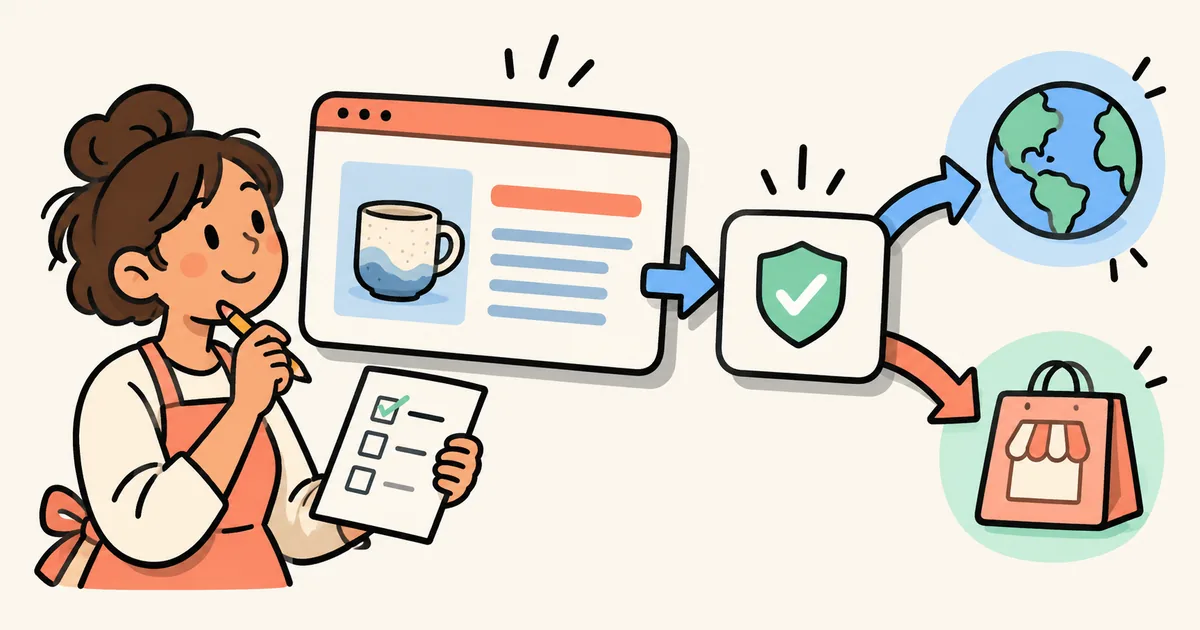
Use the public storefront for the final check. Follow the guide's main shopping CTA and its individual recommendations. Record the URL, language, review date and owner so that another teammate can repeat the check.
If the source collection copy needs work first, see our Shopify collection-description guide. For coordinating publication across articles and products, use the campaign content launch checklist.
Include a focused search check
Google recommends identifying language and regional alternatives with hreflang. Each version should identify itself and the other alternatives using fully qualified URLs; the corresponding pages need reciprocal annotations. Google determines a page's language algorithmically, rather than using hreflang as its language detector. Source: Google Search Central's localized-page guidance.
If a developer reviews your language setup, ask them to inspect the rendered alternatives and destinations before adding another implementation. A translation-completion status is not a technical SEO audit or a promise of search traffic.
Your merchant takeaway
Use Auto-sync to maintain an ongoing translation routine where it is available. For campaign edits, keep a separate check of completion, manually edited passages and the public shopping journey. Approve the actual page the shopper will read, not just the scheduled task.
For recurring Shopify blog publishing, explore StoreBlog. Add the language review and public-link sign-off to your editorial workflow so new articles and later revisions remain useful to each audience.
Share this article