Best Shopify Themes with a Good Blog (2026)

Best Shopify Themes with a Good Blog (2026)
Most "best Shopify themes" roundups judge a theme by its homepage. That tells you nothing about whether the theme is any good at the one thing a growth blog actually needs: a blog page that doesn't look like an afterthought. Every Shopify theme technically ships with blog support. Almost none of them make the post page, the archive, or the author byline look intentional. Below are six themes worth considering, judged specifically on their blog layout, not their product grid.
What "good blog support" actually means in a Shopify theme
A Shopify blog theme is only as good as its post page, not its homepage. Look for three things: a post layout with room for images and subheadings, an archive page that doesn't just dump titles in a list, and metadata (author, read time, categories) that Shopify natively supports without a third-party app. Most free themes handle the first two adequately and skip the third entirely.
That third piece matters more than it looks. A blog with no author byline and no categories reads as thin to both readers and to Google, and it's one of the fastest ways to look like content nobody stands behind.
Six themes, judged on the blog page specifically
Dawn (free)
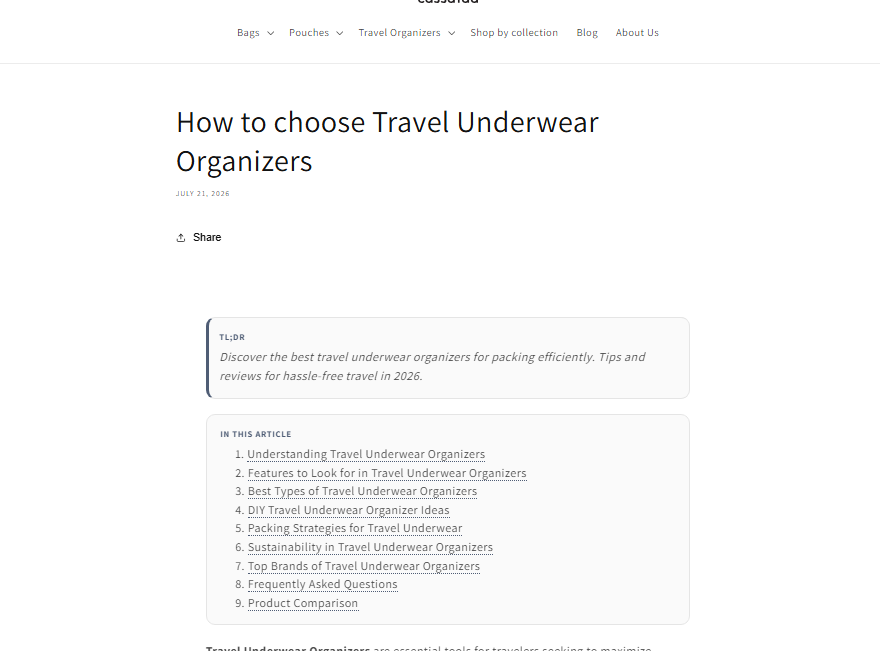
Dawn is Shopify's own default theme, and it's the baseline every other option gets measured against.
What it does well: Clean typography, fast load times, and a blog archive that uses a simple grid with featured images. It's Online Store 2.0, so you can drop in app blocks without touching code.
What it lacks: No native author bio, no reading time, no table of contents. The post page is really just a text column with an image at the top. If your blog is a core part of your content strategy rather than a nice-to-have, Dawn will feel bare within a few posts.
Publisher (free)
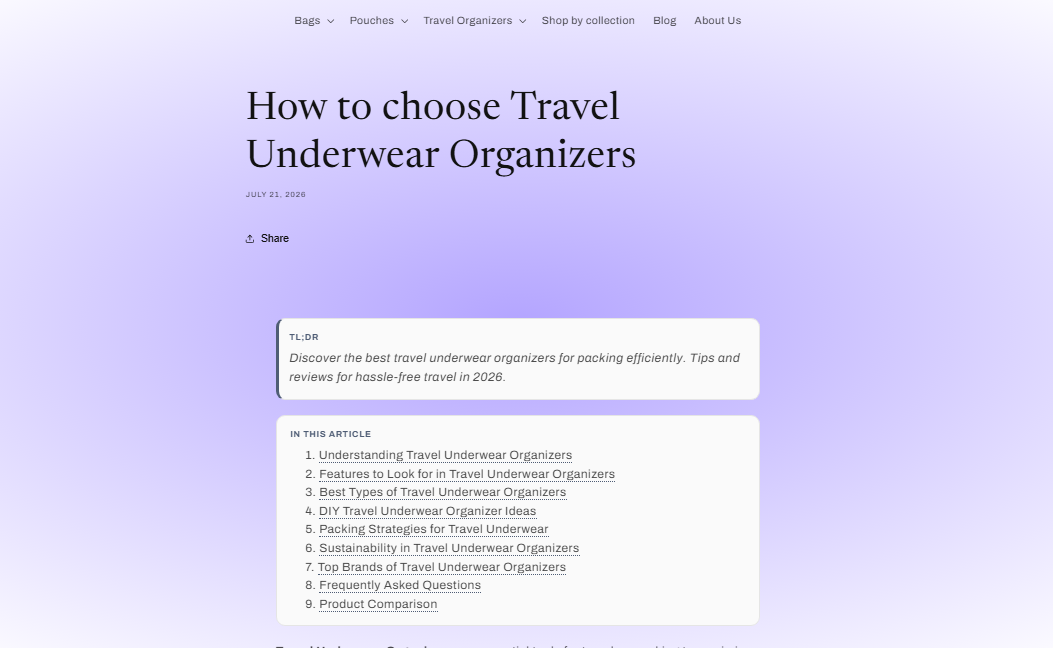
Publisher is the one Shopify-built theme explicitly designed around content, not just products.
What it does well: Multiple blog post layout options, a mega menu that can surface blog categories alongside product collections, and a post page built with longer-form reading in mind. It's the closest thing Shopify offers to a "blog-first" free theme.
What it lacks: The design skews editorial and can feel heavy for a store that's mostly transactional. Reviews on the Theme Store are mixed on how the cart and product pages feel compared to the blog experience, so it's a trade-off, not a clean win.
Craft (free)
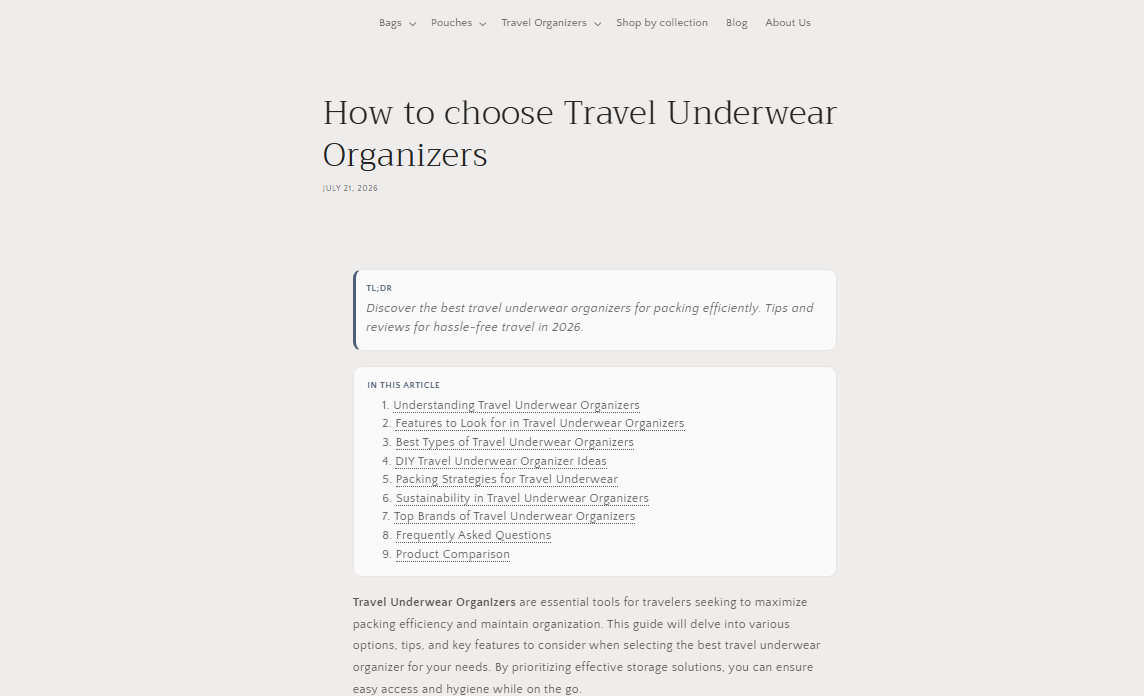
Craft leans into brand storytelling, and that instinct carries over into its blog sections.
What it does well: Generous spacing and strong typography make long posts easy to read, and the storytelling-first sections (image plus text blocks) translate directly into richer blog layouts than Dawn offers.
What it lacks: No dedicated author bio or reading-time display out of the box. Categories exist but aren't visually prominent on the archive page, so returning readers have to hunt.
Sense (free)
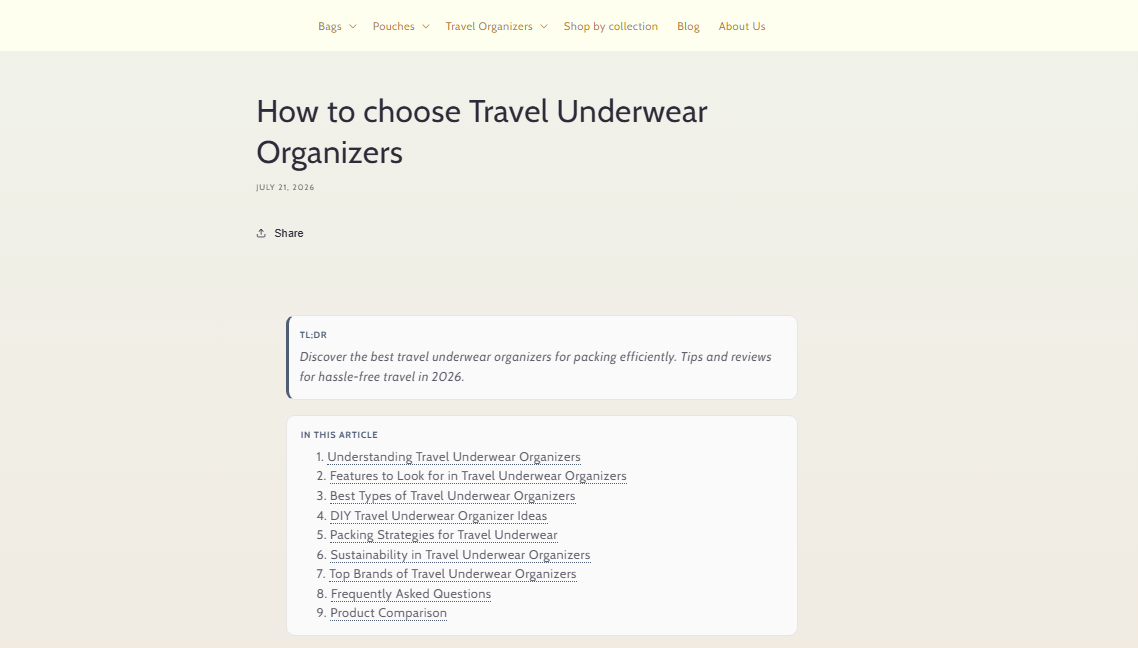
Sense is a niche beauty and wellness theme, and it's worth including specifically as the honest low bar.
What it does well: Clean product cards and a soft aesthetic that photographs well, which matters if your blog leans heavily on product photography.
What it lacks: One preset only, hardcoded English text that limits non-English merchants, and per its Theme Store reviews, the weakest satisfaction rating of Shopify's current free themes. The blog page inherits the same limitation, minimal layout variety and no metadata beyond a title and date.
Taste (free)
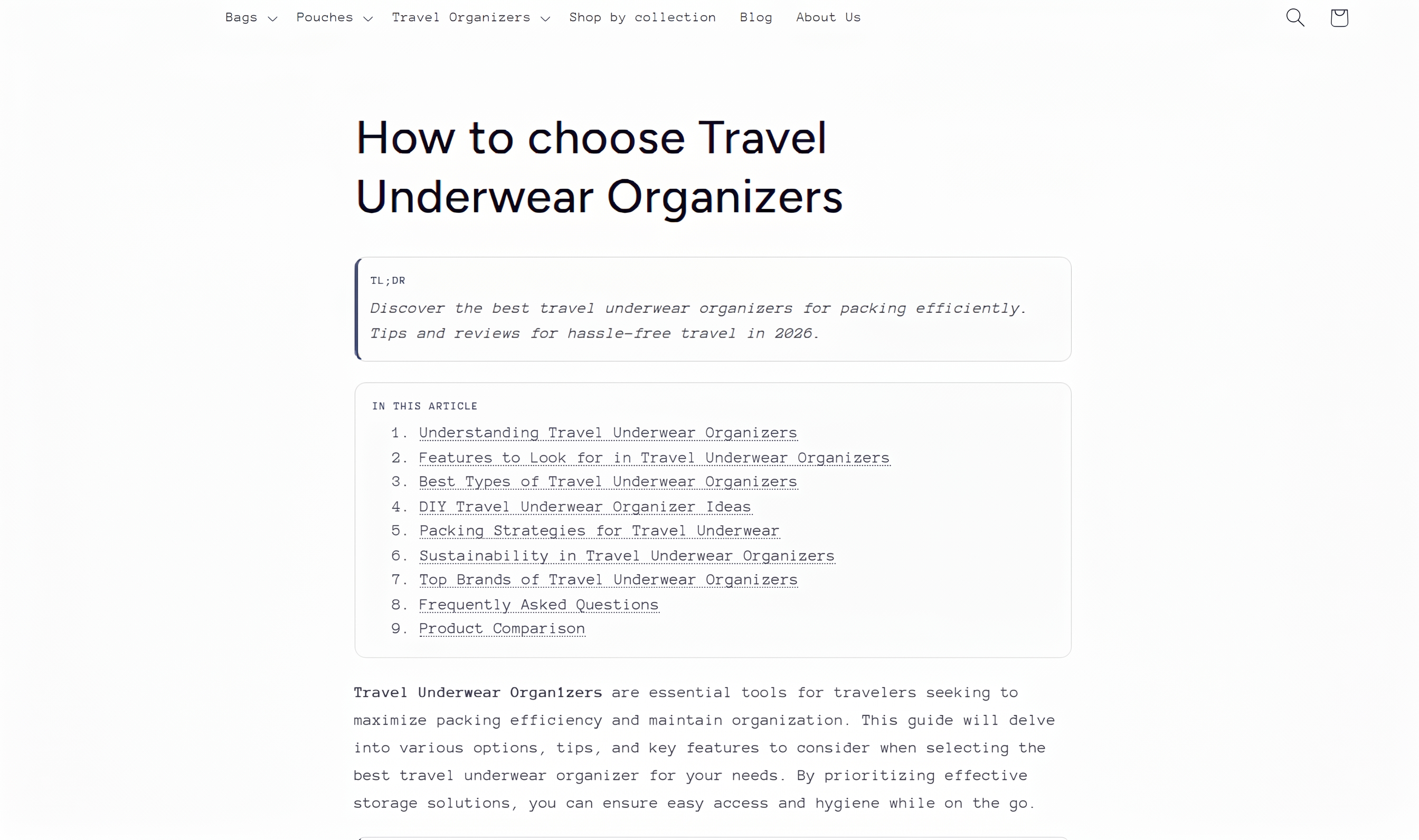
Taste is built for food, drink, and other visually driven categories.
What it does well: High-resolution image support and gallery-style sections that work naturally for recipe-style or process-driven blog posts.
What it lacks: Like most Shopify-built free themes, no author bio or reading time, and the blog archive layout is closer to a product grid than a magazine layout, so long-form posts get less visual room to breathe.
Prestige (paid, ~$400 one-time)
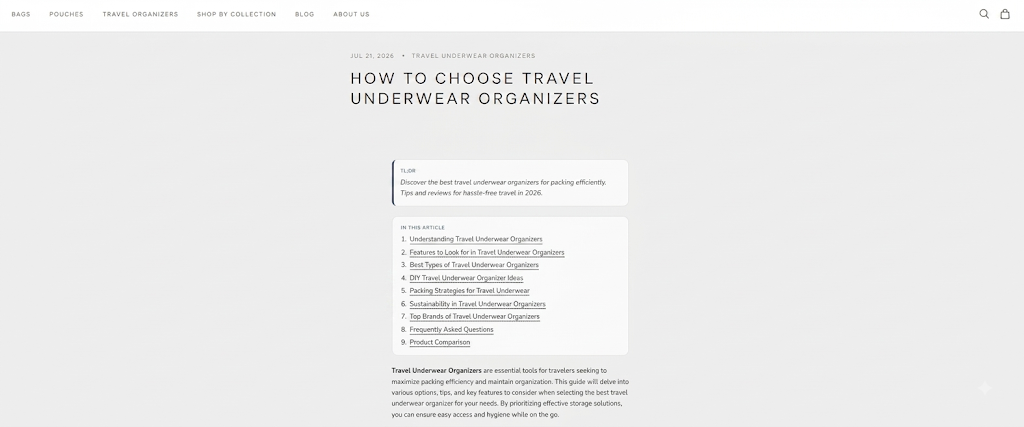
Prestige, built by Maestrooo, is the premium pick here, and it's the only theme on this list explicitly marketed around editorial content.
What it does well: Shopify's own Theme Store lists "editorial content" as one of Prestige's three core use cases, optimized for longer-form text sections to support brand storytelling, alongside 30-plus configurable sections and a press-coverage section that most free themes don't offer.
What it lacks: $400 is a real number for a small store, and none of that spend touches your product pages if blogging isn't the primary reason you're buying it. It's a strong pick only if content is genuinely part of the plan, not a justification to spend more on a theme you'd have bought anyway.
Features that matter (and what they actually do)
- Related posts: Shows a few other articles at the bottom of a post so readers don't leave after one page. Keeps people on your site longer, which helps both engagement signals and repeat exposure to your products.
- Author bio: A short block with a name, photo, and one line about who wrote the post. Small trust signal, and increasingly relevant as Google weighs who's behind a page, not just what it says.
- Table of contents (TOC): A jump-link list at the top of long posts. Genuinely useful past 1,200 words, unnecessary under that.
- Categories: Let readers (and Google) understand how your content is organized. A blog with no categories reads as a pile of posts, not a resource.
- Reading time: A small "5 min read" tag. Low effort to add, and it sets expectations before someone commits to reading.
None of these are dealbreakers individually. Missing all five is the actual problem, and that's exactly what happens with most free Shopify themes outside of Publisher.
What to check before you buy
- Open the theme's actual blog demo, not the homepage. Every Theme Store listing has a "View demo" link. Click through to a blog post specifically.
- Check if metadata is native or requires an app. Some themes fake author bios through a text block you type manually every time. That's not the same as a real byline field.
- Test it with a long post. Paste in 1,500 words of real copy with three or four images and see if the layout holds up, not just a two-paragraph placeholder.
- Read the theme's current Theme Store reviews, not a roundup from a year ago. Themes get updated, and satisfaction ratings shift. Sense, for example, currently sits at the bottom of Shopify's own free-theme lineup on reviewer sentiment.
- Confirm the price at checkout. Premium theme pricing occasionally shifts, and "on sale" language on third-party review sites isn't always current.
Improving the blog on a theme you already own
If you've already picked a theme and don't want to rebuild your store around a blog feature, most of what's missing (author bios, categories, internal links, clean URLs) isn't actually a theme limitation. It's a content and SEO layer you can add on top of nearly any Online Store 2.0 theme.
Your blog's URL structure matters more than most merchants realize here too. If your slugs still look like the default /blogs/news/, that's worth fixing regardless of which theme you're on, and it's a five-minute change once you know how to structure a Shopify blog URL correctly.
The bigger gap for most stores isn't layout, it's that the blog is thin: a handful of posts with no internal linking between them and no real SEO structure. That's a content problem, not a theme problem, and it's worth reviewing the on-page SEO basics of your existing posts before assuming a new theme will fix low blog traffic.
Once your theme handles the layout, the actual gap is usually the content sitting inside it. StoreBlog generates posts with the categories, internal links, and schema markup already in place, so you're not manually rebuilding the structure this post just walked through on every single article. It also audits your existing posts and flags the specific things missing (thin metadata, no internal links, weak headings) instead of leaving you to guess. And it tracks which posts are actually turning into sales, not just traffic, so you know if the blog is working.
FAQ
Do all Shopify themes support blogging?
Yes. Every Shopify theme, free or paid, includes basic blog functionality because it's built into Shopify's core platform, not the theme. What varies is how well the theme displays a blog post, not whether blogging works at all.
What's the best free Shopify theme for a blog?
Publisher is the only Shopify-built free theme designed specifically around content, with multiple blog layout options. Craft and Dawn are reasonable runners-up if blogging is secondary to your product pages.
Is it worth paying for a premium theme just for the blog?
Only if content is a real part of your strategy, not an occasional add-on. Prestige is the clearest premium pick built with editorial content in mind, but $400 is hard to justify on blog layout alone.
Can I fix a weak blog layout without switching themes?
Mostly, yes. Author bios, categories, and clean URLs can usually be added or adjusted within your current theme's editor or with a blog app, without a full theme change.
Share this article